Showing posts with label Mari Antoinne 8-121. Show all posts


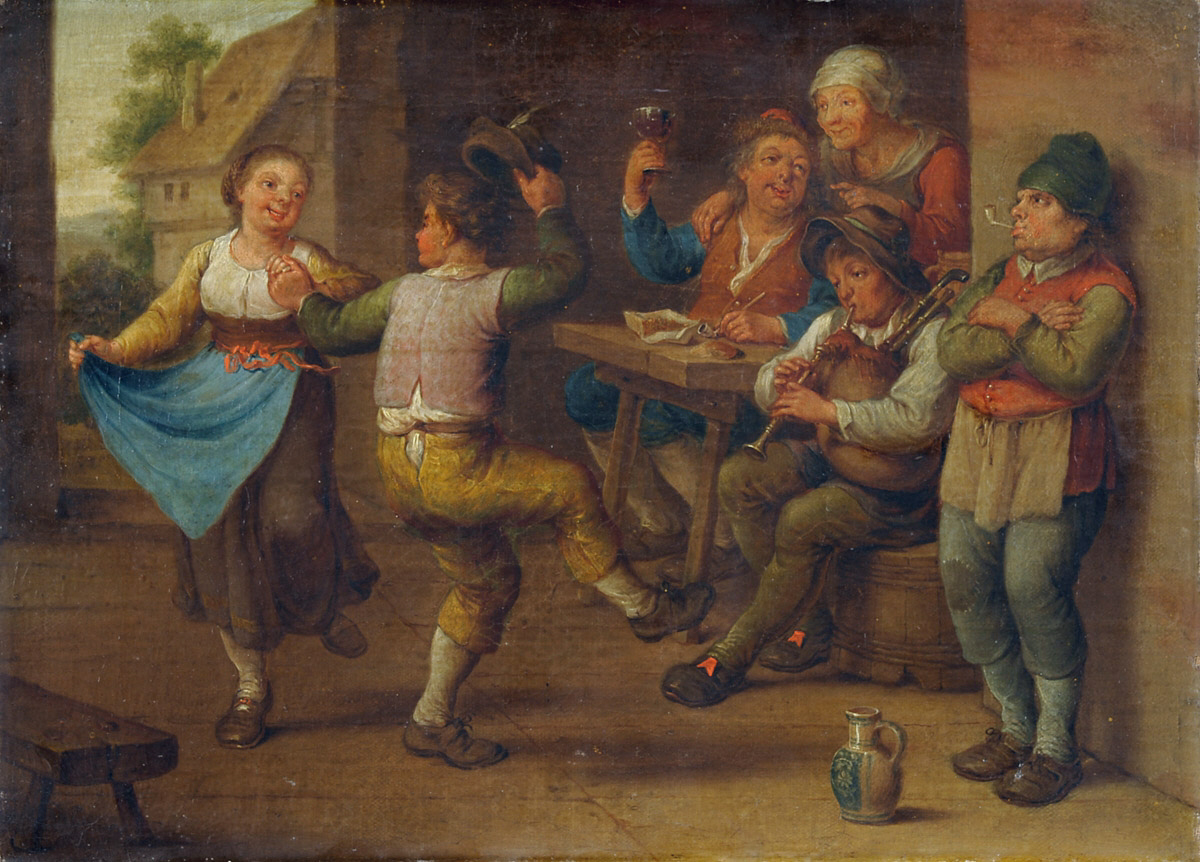
https://upload.wikimedia.org/wikipedia/commons/4/40/Unbekannter_Meister_18-19_Jh_Feiernde_Bauern.jpg


Read More
Greek Mythology

https://upload.wikimedia.org/wikipedia/commons/f/fd/Neptune_et_Amphitrite.jpg


Presentation:


Labyrinth:

Read More

https://c1.staticflickr.com/5/4139/4865516413_1df74bbcc2.jpg


Read More

https://upload.wikimedia.org/wikipedia/commons/c/c8/Spider-Firework-Omiya-Japan.jpg


Read More


Read More


FIREWORKS;

Read More


Read More
http://www.torange.us/photo/11/16/The-Snow-Winter-1328609310_11.jpg


Read More


Poem Movie:


Butterfly Movie:


To make a kinetic typography video, you first need to have an introduction slide that has the poem you're making animations with. Then, make the actual typography by using the five types of contrast such as, colour, text choice, text size, character & line spacing, and text contrast. Using these qualities will make your poem stand out and more interesting to your audience. Then you split your poem into at least 3 parts. You make 1 slide doing one part of your poem with animations. You have to make your animations to appear first, so you add the appear animation to each word/sentence. You can then decorate it with animations like changing colors or cool movement effects. Once you're done that section of the poem, make your next slide and so on. You should also add exit animations to your words. Make sure your poem exciting and be sure to change the speed of animations to make it more interesting to your audience. When you're done, include the whole poem after your animation slides. Then you're finished.







Read More
Typography Post


The 5 types of contrast that makes typography interesting are:

1. Choice of FONT 
2. Text Size
3. Text Contrast
4. Character and Line S p a c i n g 
5. Text Color

Read More
This is my Awesome Bookmark

https://pixabay.com/en/photos/download/book-112117_1280.jpg?attachment&modal

Here is my presentation 

Read More

Welcome to my first post.


Here is a video for internet safety.


In computer class I want to...

  • be able to type faster and make less mistakes while typing.
  • finish assignments faster and long before the deadline so I don't have to worry about unfinished assignments.
  • shortcuts to like using ctrl, shift, etc.
Read More
Previous PostOlder Posts Home